How-to 14 of 31 · Storykeeper · Share
Why can’t they see it?
When a relative says their Memories tab is empty, or a particular memory is not there.
- Check the badge on the memory.In your Memories tab, Not yet shared means nobody but you and the person recording can see it. Tap it and choose them.
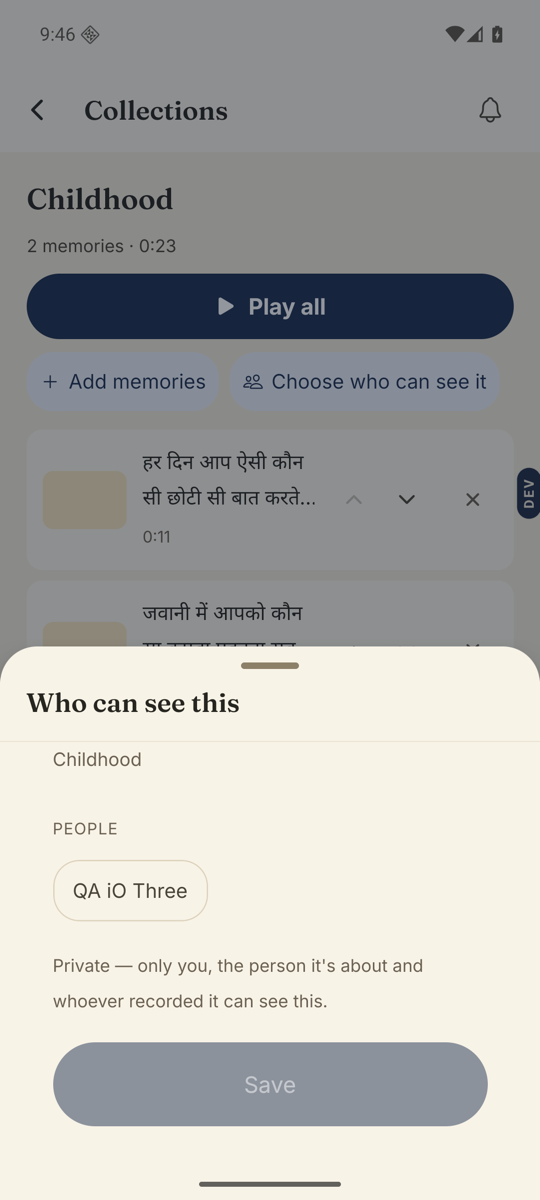
- Check who it was shared with.“Shared with 3 people” does not tell you which three. Open the sheet: their chip, or a group they are in, must be lit.
- Check they have joined.Manage → People. If they are still under Pending invites marked “Invited, not joined yet”, they cannot see anything. Share again gives them a fresh link.
- Check how they were invited.Someone invited with Nothing yet sees nothing until you share with them. Their Memories tab says “Nothing has been shared with you yet.”
- Check the memory itself is ready.A memory that is still on its way — the card says where it has got to, and a slim bar slides under it — is not visible to anyone yet. A relative’s memory marked Waiting for OK needs your approval under Manage → Inbox.
Good to know. To find everything nobody can see, open Sort & filter on the Memories tab and tick “Ones nobody can see yet”.
Stuck anywhere? Write to [email protected] — a person answers.