How-to 25 of 31 · Storykeeper · Fix
A memory is stuck uploading
When a card in Memories has said the same thing for too long.
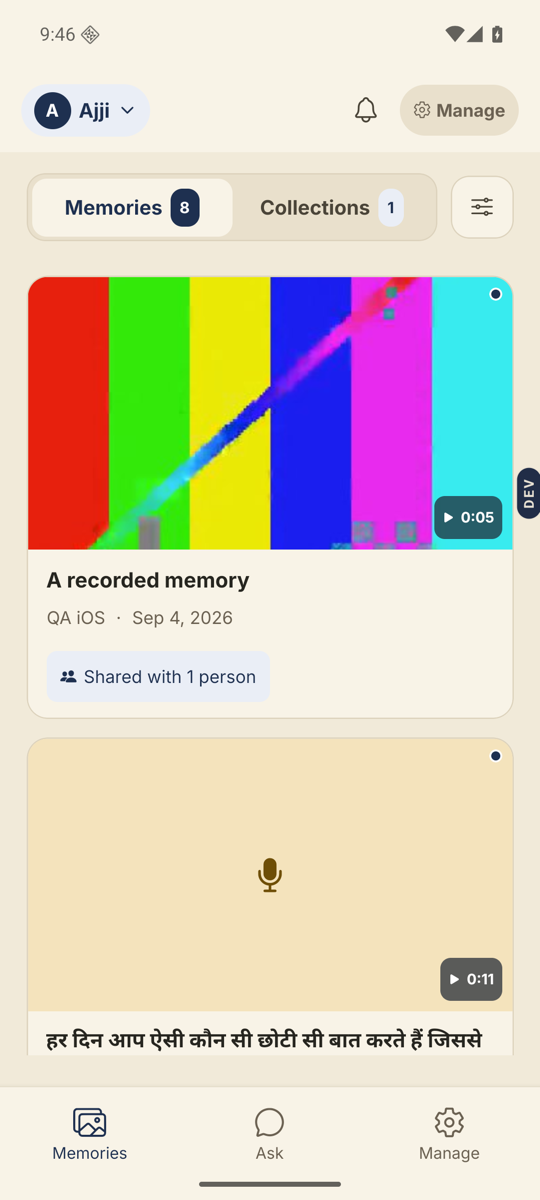
- Read the line on the card. It says where the recording is.A memory on its way moves through a few sentences, each a step further along, with a slim bar sliding underneath it. The bar is how you know it is still happening. While that is going on the card says one thing only — no second grey line about sharing, because there is nothing there yet to share.
- “Sending from your phone” means the recording is still here, on this phone.Tap the card. The sheet is headed “Still sending from this phone” and offers Try sending now. Get on Wi-Fi and tap it. If you are offline the sheet says so, and the recording sends itself as soon as you are back.
- “Arriving from Ajji’s phone” means it is coming from somebody else.Whoever recorded it. Nothing on your side can pull it across. If the app does not know whose phone it is, the card says “Arriving from their phone” rather than guess a name.
- “Still arriving. Ajji’s phone may be offline” is the one to act on.The card only says this after a long wait. Ring her and ask her to open Nenapu on Wi-Fi and leave it open for a minute. Her phone finishes the job by itself once it is back.
- “Getting it ready to play” means it has arrived.The last and shortest leg — we have the recording and are preparing it. Seconds, usually. Pull down to refresh.
- “This one didn’t finish uploading” means it stopped.This is the only line that is not progress. Tap the card. Try again re-sends if the recording is still on the phone. Record again is the surest fix when it is not.
Good to know. A card that keeps saying the same thing is the signal, not a card that is slow. Each line above is a different place along the way; as long as the words change, it is moving.
Good to know. Nothing is lost while a card is still sending. The recording sits safely on the phone that made it until it gets through.
Good to know. On the sending screen you do not have to wait. It shows the percentage and asks you to stay on Wi-Fi for best speed. Tap “I’ll check back later” and sending carries on in the background.
Stuck anywhere? Write to [email protected] — a person answers.