How-to 17 of 31 · Storykeeper · Organise
Play a collection in order
When the family is on the sofa and you want the whole story to run without tapping.
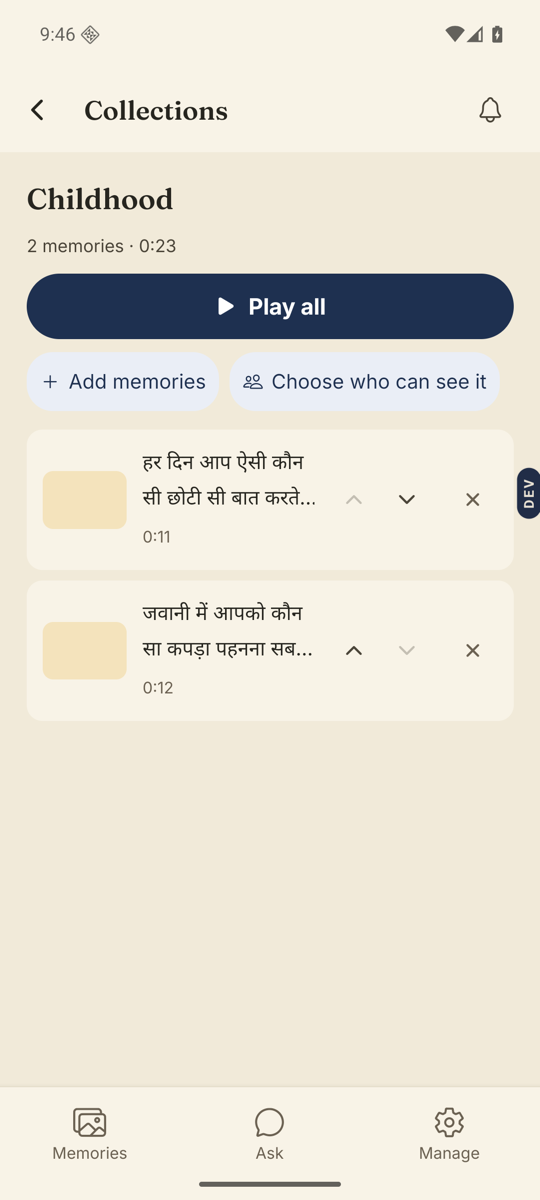
- Open the Memories tab, switch to Collections, and open the collection.You can also tap the play button on its card.
- Tap Play all.The player opens on the first memory and moves on when each one ends.
- Keep your order.The collection plays in the order you set. If you changed the sort to Newest first or A to Z, switch back to “The order they’re meant in”; only that order lets you Move up and Move down.
- Let it run, or stop it.The player has an auto-play button on the right. Turn it off to stay on one memory when it ends.
Good to know. Video and voice questions play before their answers, with a small chip that says The question. Tap it to skip to the answer.
Stuck anywhere? Write to [email protected] — a person answers.