How-to 9 of 31 · Storykeeper · Record
Record more onto a memory
When you stopped too early, or a second thought arrived after you sent it.
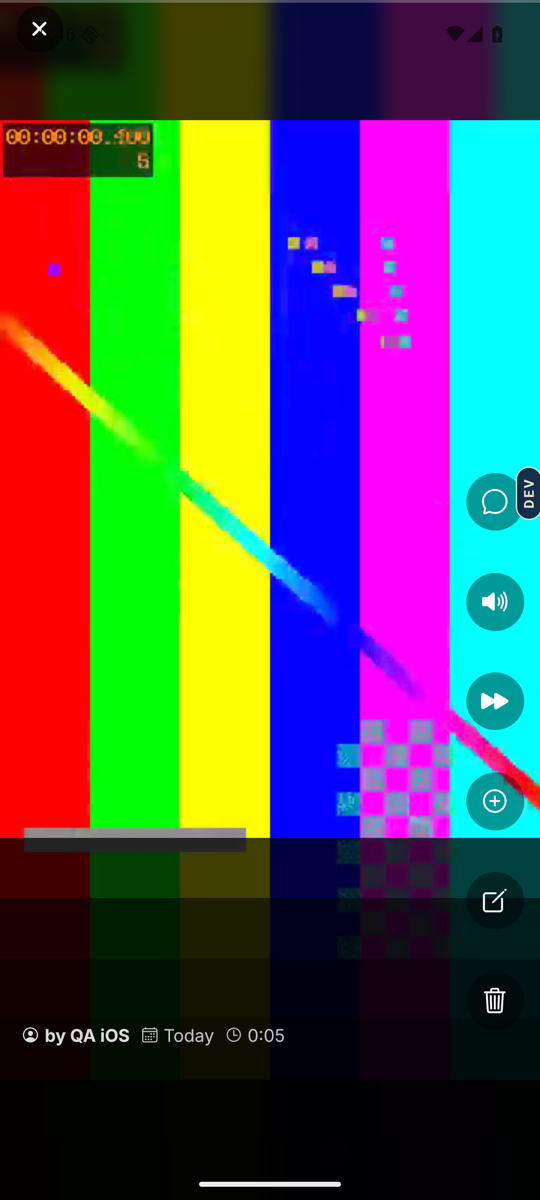
- Open the memory in the Memories tab.Tap its card. It plays in the full-screen player.
- Tap the plus circle.It is in the column of buttons down the right-hand side, labelled Add another part for screen readers. You only see it on memories you recorded yourself.
- Choose what to add.The Add to your answer sheet offers Record another video, Record a voice note, and Write a note.
- Record or write, then send.The new part joins the same memory. Everyone who can see the memory can see the new part.
- Check the parts.Tap Also shared with this memory in the player. The list is headed All parts of this memory: Video, Voice note, Written note, Photo.
Good to know. The person you are recording has the same button on their phone. If one of their answers stopped short, ask them to open it and add more, rather than recording it again. Their first take stays.
Good to know. Want to add to a memory someone else recorded? You cannot. Record a fresh memory instead, and put the two side by side in a collection.
Stuck anywhere? Write to [email protected] — a person answers.