How-to 18 of 31 · Storykeeper · Family
Invite the family
When a few memories are in and you are ready for the family to join. There is no rush.
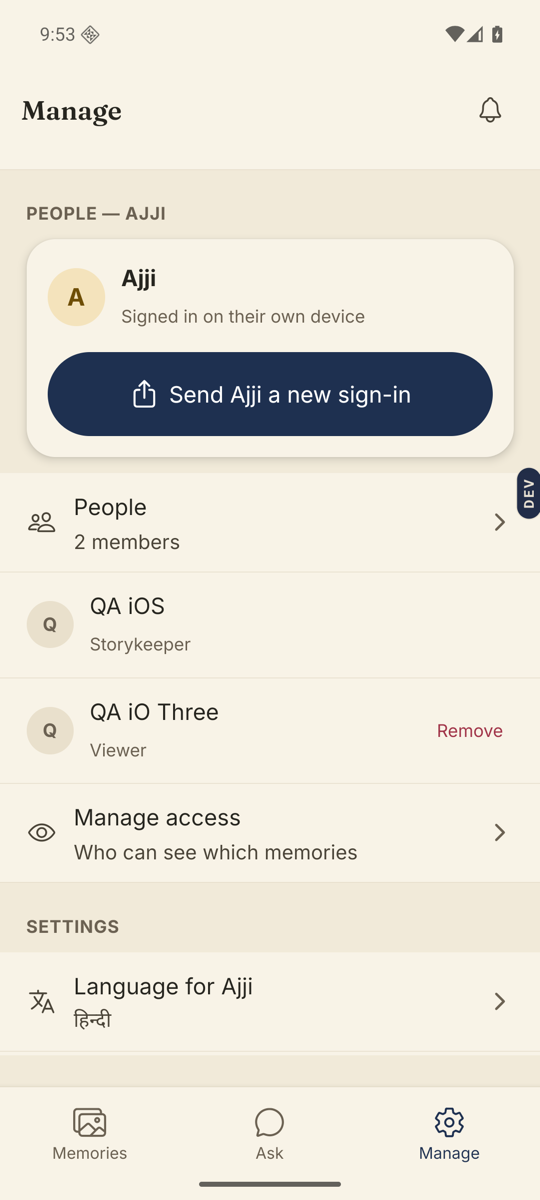
- Open the Manage tab and tap Invite someone.It is on the Invite family & friends card.
- Under “What can they do?” tick one or both.Can ask questions: they can send questions for Amma to answer. Can watch & comment: they can watch what you share and leave kind comments.
- Under “What can they see?” choose.Nothing yet, The whole Library, or one of your groups.
- Optionally write who it is for and their email, then tap Send invite.One invite per person. Each gets its own code.
- Share the code.Scan to join on their phone with the QR, read out the Invite code, or tap Share invite link to send it by WhatsApp. They open Nenapu, tap I have a code, and enter it.
Good to know. Every question a relative sends waits for your OK under Manage → Inbox before it reaches Amma. Comments can wait too: turn on “Approve comments before anyone else sees them” under Settings.
Good to know. A code stops working after a while. On the pending row, Get a new code makes a fresh one without changing anything else.
Stuck anywhere? Write to [email protected] — a person answers.