How-to 20 of 31 · Storykeeper · Family
Who can do what
When you are deciding what to tick on an invite, or wondering why a relative cannot do something.
- Storykeeper: you.You set up the Library. You approve questions and relatives’ memories, choose who can see what, make collections, restore from Trash, change their language, and remove people.
- Co-Storykeeper: someone who helps you run it.You can hand named duties to an adult who has already joined, and take them back whenever you like. They then show in People as Co-Storykeeper with their duties listed after it. See Make someone a co-Storykeeper.
- There are nine duties, and you choose which.Invite people. Moderate memories. Moderate comments. Record for Amma. Add or remove co-Storykeepers. Delete and restore. Download everything. Publish the public page. Manage who sees what. Tick one, or tick them all.
- Four things are never handed over.The Library’s settings, Amma’s consent, payment, and deleting or restoring the whole Library. Those stay with you however much else you share. Someone who can add co-Storykeepers still cannot touch you.
- Contributor: Can ask questions.They send questions for Amma, which wait for your OK. They can also record Share a memory of Amma; that waits for your OK too, and shows them Waiting for OK until then.
- Viewer: Can watch & comment.They see only what is shared with them and can leave comments. They cannot ask questions or see the rest of the Library.
- The person recording.They answer questions, tell their own stories, add to an answer, and can record an answer again. They see nothing of Manage, and they can never be made a co-Storykeeper.
- One person can be both Contributor and Viewer.The two boxes on the invite are independent. Tick both for most family. Duties come later, and sit on top of whichever invite they accepted.
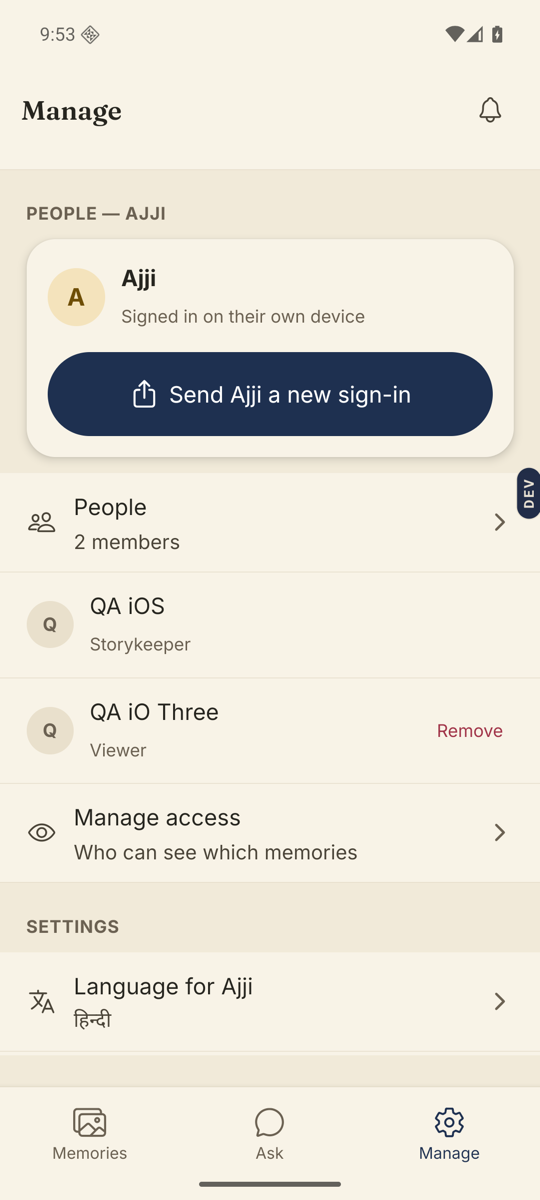
Good to know. Manage → People lists everyone with their standing. The word in the list is Storykeeper, Co-Storykeeper, Contributor or Viewer.
Stuck anywhere? Write to [email protected] — a person answers.