How-to 27 of 31 · Storykeeper · Fix
Change the elder’s language
When you picked the wrong language at setup, or they would rather read Kannada than English.
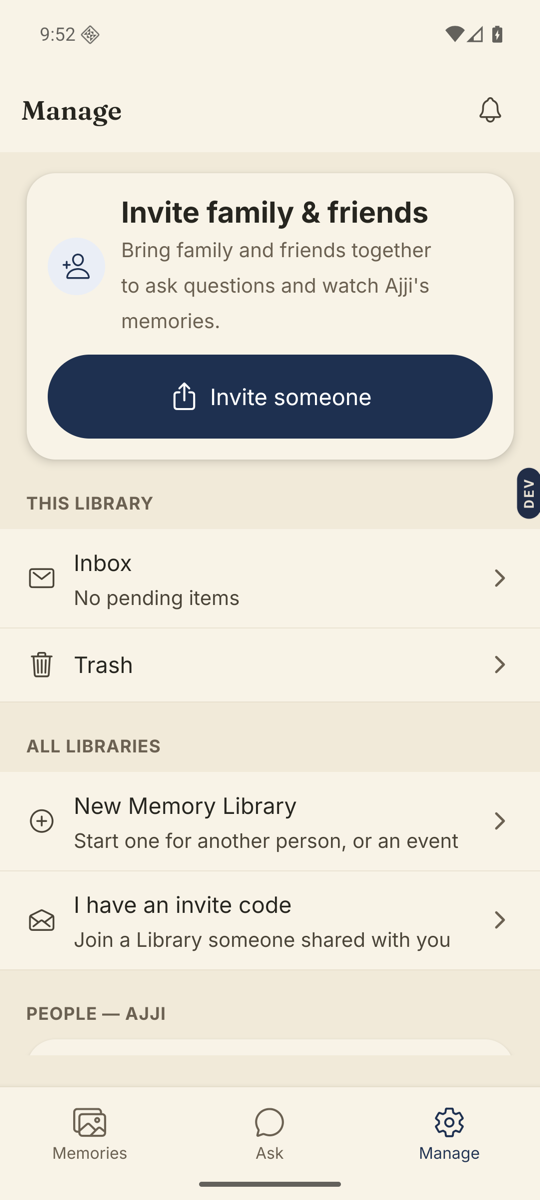
- Open the Manage tab and tap Language for Amma.Under Settings. The row shows the current language.
- Pick the language and tap Continue.Search languages… at the top narrows the list.
- Choose what the buttons say.Under Buttons and labels: Everything in Kannada, or Buttons in English with only the questions in Kannada. Preview what Amma will see shows their screen before you commit.
- Confirm.The sheet says “New questions will be in Kannada. Questions already answered stay as they were recorded.” Turn on “Also translate the 5 questions Amma hasn’t answered yet” if you want those switched too. Tap Switch to Kannada.
Good to know. This changes what they see, not what you see. Your own app language is separate.
Good to know. Library questions are translated where a translation exists; a few arrive in English. Your own questions are sent as you typed them.
Stuck anywhere? Write to [email protected] — a person answers.