How-to 28 of 31 · Storykeeper · Account
Reset your password
When you cannot remember your password, or you joined with a code and never set one.
- On the Sign in screen, tap Forgot password?It is below the Sign in button.
- Enter your email and tap Send reset link.The screen says “If that email exists, we’ve sent a reset link.” Check spam if nothing arrives.
- Open the link from the email on your phone.Nenapu opens on Choose a new password. At least 8 characters. Tap Set new password.
- Sign in with the new password.You are taken back to Sign in.
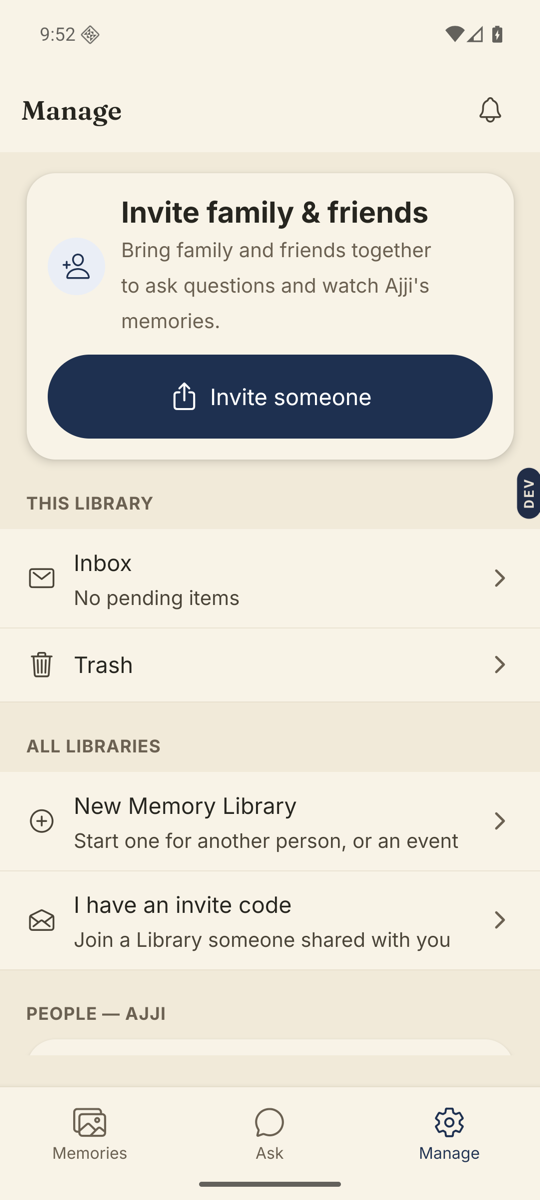
Good to know. Joined through an invite code and never set a password? Open the Manage tab, and under Account tap Set a password. Then you can sign in on any phone with your email, no new invitation needed.
On the web. On a computer, sign in at app.nenapu.ai; Forgot password is on the same screen.
Stuck anywhere? Write to [email protected] — a person answers.