How-to 26 of 31 · Storykeeper · Fix
Update the app
When the Memories tab says a newer Nenapu is available, or support asks for your version.
- Small changes now come to you.Wording, a button in a better place, a screen that read wrong — these arrive by themselves. Nenapu picks them up quietly while you are using it, and you see them the next time you open the app. There is nothing to download and no banner.
- Bigger changes still need a new app file.Anything that adds something new to the app itself — a new use of the camera, say, or a new permission — cannot travel the quiet way. For those, the banner at the top of Memories tells you.
- When the banner appears, tap Update.“A newer Nenapu is available (0.59).” If instead it says the version is out of date and may not work correctly, do it now. Update opens nenapu.ai/get in your browser; download the new app from there.
- Install it over the top.Open the downloaded file and allow the install. Your memories live on Nenapu, not in the app, so nothing is lost.
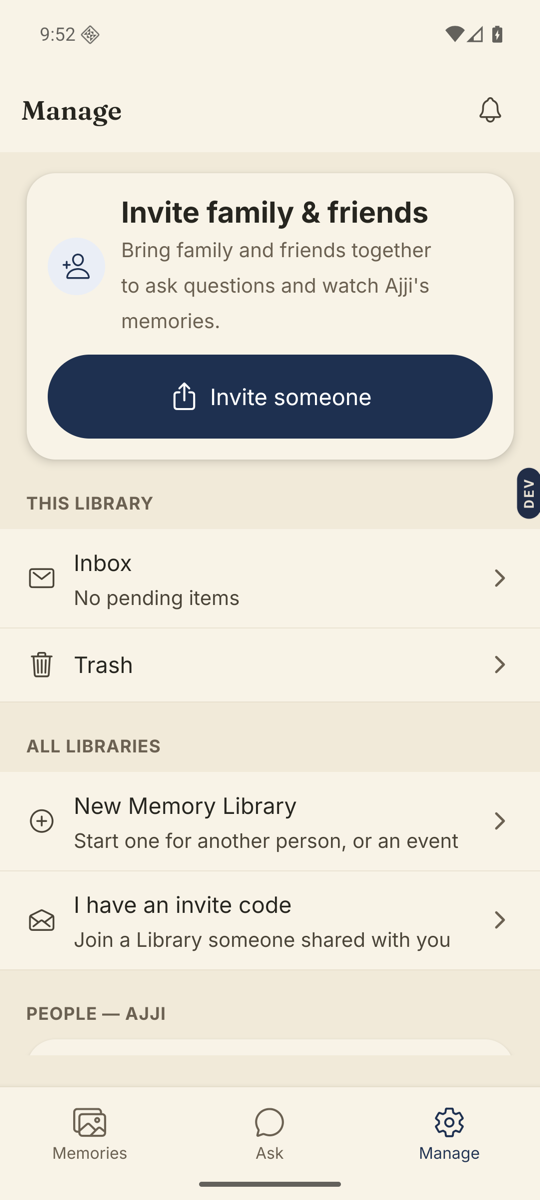
- Check the version.Manage tab, scroll to the bottom, under Sign out: “Version 0.59”. That is the number support will ask for.
Good to know. Quiet updates start at 0.59. If you are on 0.58 or older, nothing can reach you that way — every change comes as a new app file, the way it always did. Installing 0.59 once is what opens the door, and you only do it once.
Good to know. The banner can be dismissed with the x, and comes back next time. Their phone has its own copy of the app; update that one the same way when you next see them.
Stuck anywhere? Write to [email protected] — a person answers.