How-to 21 of 31 · Storykeeper · Family
Make someone a co-Storykeeper
When keeping the Library on your own is too much, and someone in the family can carry part of it.
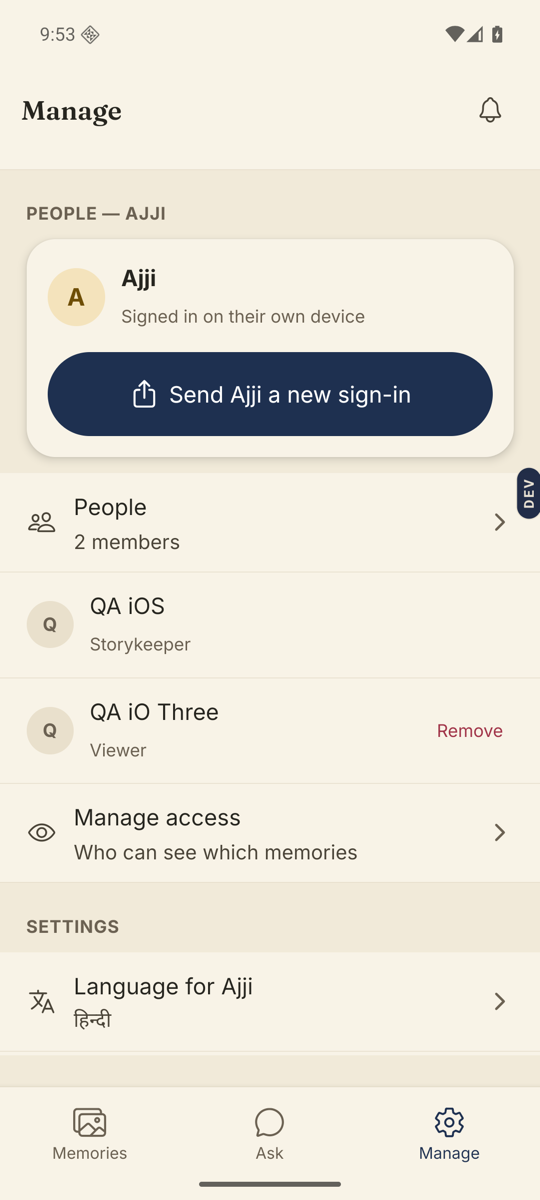
- Open the Manage tab and go to People.Tap the People row to see everyone in this Library. Only someone who has already joined can be given duties — an invite that is still waiting cannot, and neither can Amma herself.
- Tap the person.Their row opens a sheet with their name, how they stand today, and what that lets them do.
- Tap “Make Ravi a co-Storykeeper”.A new sheet opens, headed “What can Ravi do?”
- Tick the duties you want him to have.There are nine: Invite people. Moderate memories. Moderate comments. Record for Amma. Add or remove co-Storykeepers. Delete and restore. Download everything. Publish the public page. Manage who sees what. The switch at the top, “Everything a Storykeeper can do”, turns on all nine in one tap.
- Tap Save.The button counts what you ticked. His row in People now reads Co-Storykeeper, with his duties after it.
Good to know. To change your mind later, tap him again. The same sheet now offers “Change what Ravi can do”, and “Stop being a co-Storykeeper” if you want the duties back. Stopping does not remove him from the Library; he goes back to being an ordinary member.
Good to know. Only he is told, and only inside Nenapu: a card appears in his Inbox saying you made him a co-Storykeeper. No email goes out, and nobody else in the family is told.
Good to know. If you tick Record for Amma, he cannot simply start. The first time he sits down to record her on his phone, the app stops and asks her to agree again, in person, in her own language, on his phone — she taps it herself, or nods and he taps it for her. The promise she made to you does not cover him.
Good to know. Four things stay with you and are never handed over: the Library’s settings, Amma’s consent, payment, and deleting or restoring the whole Library. The bottom of the duties sheet says so. “Delete and restore” above is only about memories, questions and comments — not the Library itself. And a co-Storykeeper who can add others still cannot touch you.
Stuck anywhere? Write to [email protected] — a person answers.