How-to 1 of 5 · Family · Watching
Watch a memory
A new memory arrives in the Memories tab. Tap it and it plays.
- Open the Memories tab.The first tab at the bottom. Everything shared with you shows as a card. A small dot on a card means you have not watched it yet.
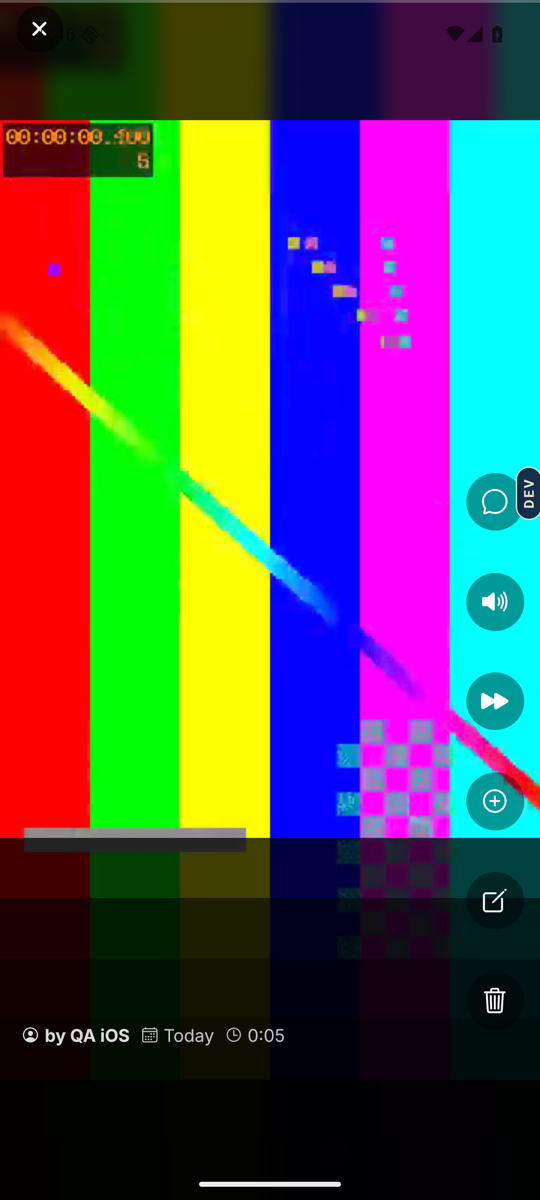
- Tap a card.The memory fills the screen. If it answers a question, you see “The question” first. Tap for the answer, or wait and it plays on its own.
- Swipe up for the next one.Memories play one after another. The auto-play button on the right decides whether the next one starts by itself when this one ends.
- Use the buttons on the right.Comments, Mute, and auto-play. “Also shared with this memory” opens any photos or notes added to it.
- Tap Close to go back.Top of the player.
Good to know. A voice recording shows “Voice memory” instead of a picture. If you see “This memory is still processing”, come back in a moment.
Good to know. The Storykeeper can gather memories into Collections. Tap Collections at the top of the Memories tab to see any made for you.
On the web. No Android phone? Sign in at app.nenapu.ai with the same email and watch in the browser. Recording stays on the phone app.
Stuck anywhere? Write to [email protected] — a person answers.